> For the complete documentation index, see [llms.txt](https://typo.gitbook.io/typo-help-docs/llms.txt). Markdown versions of documentation pages are available by appending `.md` to page URLs; this page is available as [Markdown](https://typo.gitbook.io/typo-help-docs/getting-started/integrations/issue-tracker/linear.md).
# Linear
Linear integration
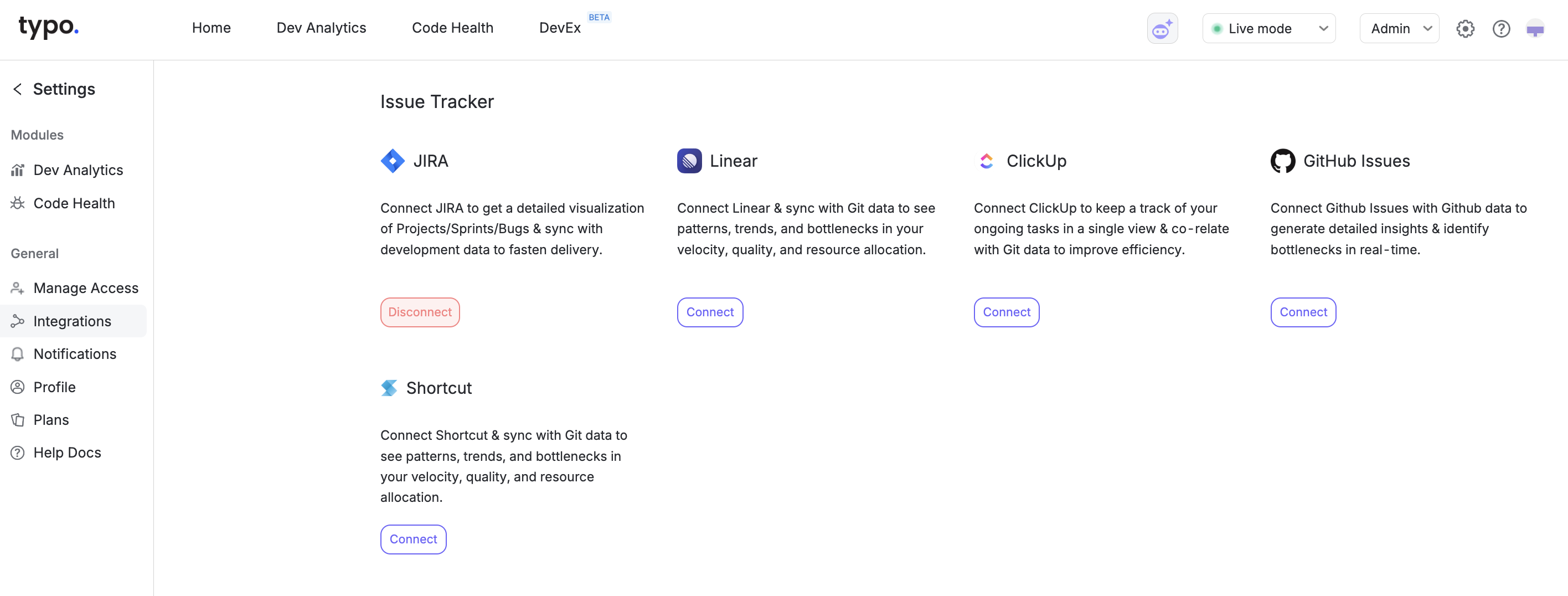
If you have not setup your Linear during the onboarding process & would love to set up afterward, you can follow the steps mentioned below:
### Step 1: Navigate to Settings
Typo dashboard > Settings > Integrations > Click on Linear
### Step 2: Permission
In the next step, you have to give access to your Linear workspace.
### Step 3: Select Project
Select the projects you want to sync to typo pr you can select all.
And done! You will have all your sprint & tasks related insights in your dashboard now.